
Pro capability · Beta
Build a complete client presentation in minutes
A good render starts the conversation. A good presentation moves it forward. With Project Portfolio, you start from the images you have and Renderz builds a complete presentation around them, with your existing views, material close-ups, titles and descriptions. Edit what you like, then share it with one link.
See a sample portfolio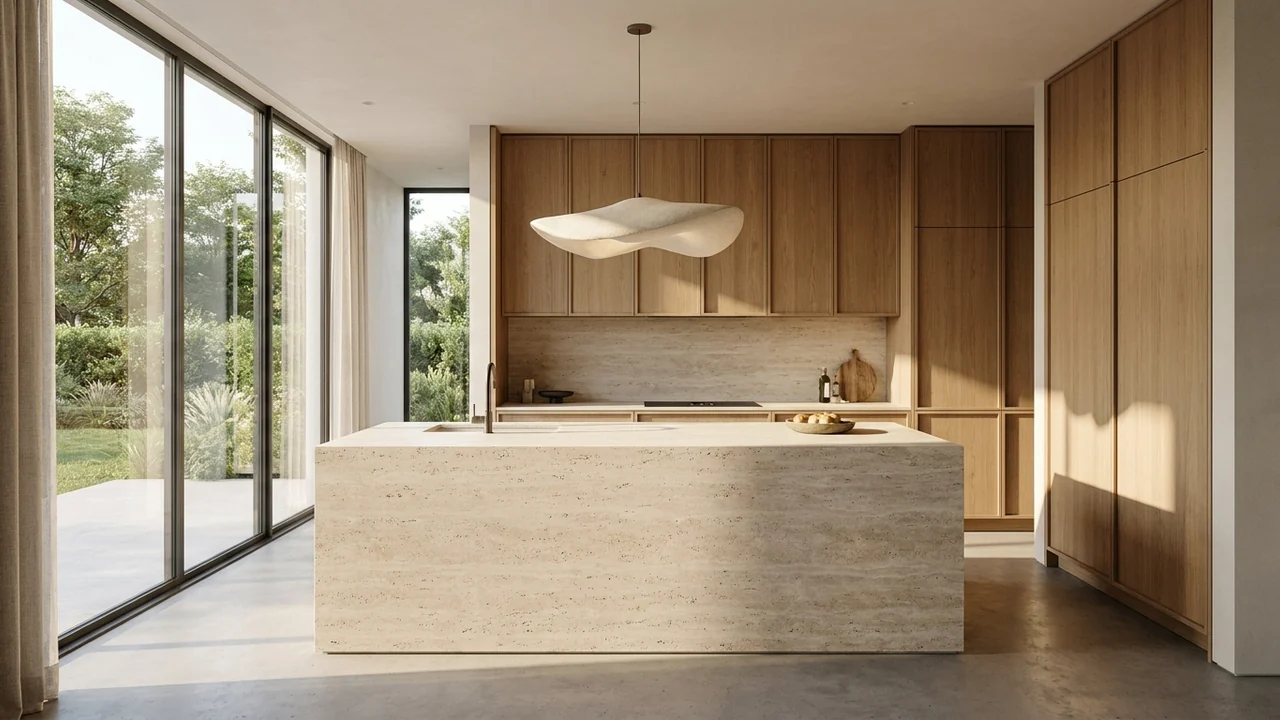
Renderz / Beta
A kitchen in oak and stone
A closer look
One project, one complete portfolio
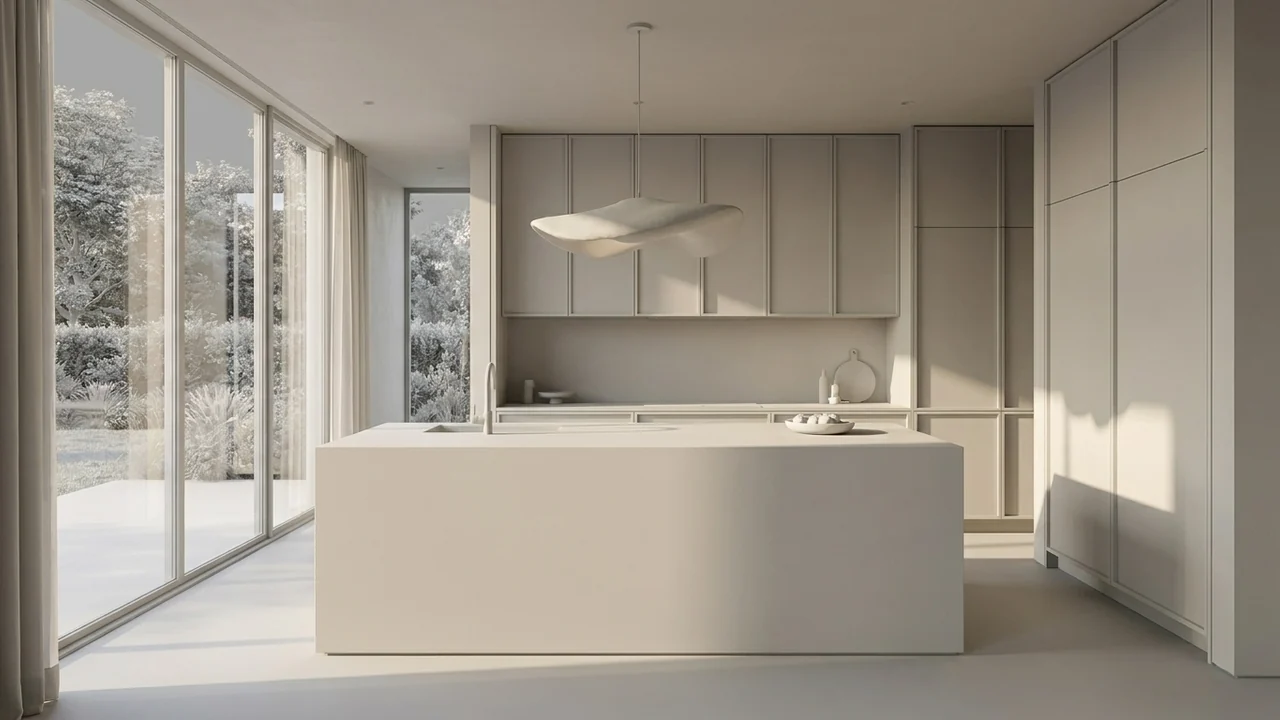
A demonstration built from one AI kitchen concept: an overview, two crops of the original materials and the source study. An illustrative example, not a completed client project.
Illustrative AI concept study
See a sample portfolioProject Portfolio
How it works
Present a project as a story, not as a folder of images.
- 01
Start with your images
Choose the images that best show your project.
- 02
Review your portfolio
Renderz builds the presentation with your views, close-ups, titles and descriptions.
- 03
Make it yours and share it
Edit the text and images, add your studio name and send one link.
The details, ready to discuss
Your existing views and material close-ups are already in the presentation, so you can respond to your client on the spot.
Your project, in your words
Add your studio name, project title and introduction, then adjust each description to match how you present.
Fine-tune every section
Add sections, crop, retouch or replace images and change the cover until the presentation feels right.
One link instead of ten attachments
Share the whole portfolio with one link, or open it directly in the client meeting.
Frequently asked questions
- Which plans include Project Portfolio?
- Project Portfolio is included in the Solo and Studio plans. It is not part of the Starter plan.
- Why is Project Portfolio in beta?
- We have just launched it and are still improving it with feedback from designers, so sections and options may change.
- How many images do I need?
- It depends on your project and what you already have. Start with the images you have, then add sections or replace images as you go.
- Can I edit what Renderz creates?
- Yes. You can adjust the sections, titles, descriptions and images before you share.
- How do I present it to a client?
- Share one link, or open the portfolio during your meeting.
- Will every view match my design exactly?
- AI-generated results can differ from your source. Check angles, proportions and materials against your plan before presenting. A portfolio does not replace a technical drawing.
Explore more
Build your next client presentation
Project Portfolio is in beta and included in Solo and Studio. Start with 30 trial credits, no credit card required, to test your renders first.