
01
Upload your space
Start with a dining-area photo, plan, sketch, or empty room view. Use a wide, clear image with the geometry you want to retain.

AI design generator
Transform an existing dining area or empty room into a complete concept. Compare table shapes, chair combinations, pendants, rugs, storage, art, and circulation for everyday meals and larger gatherings.
A closer look
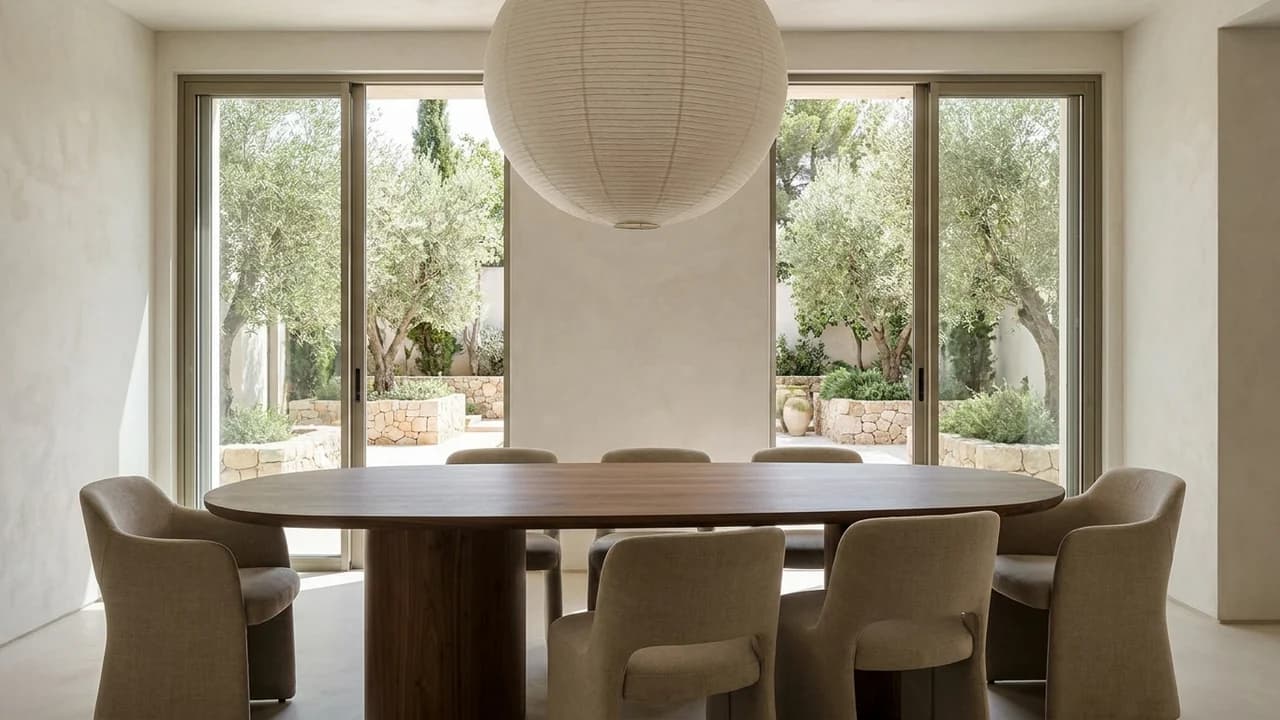
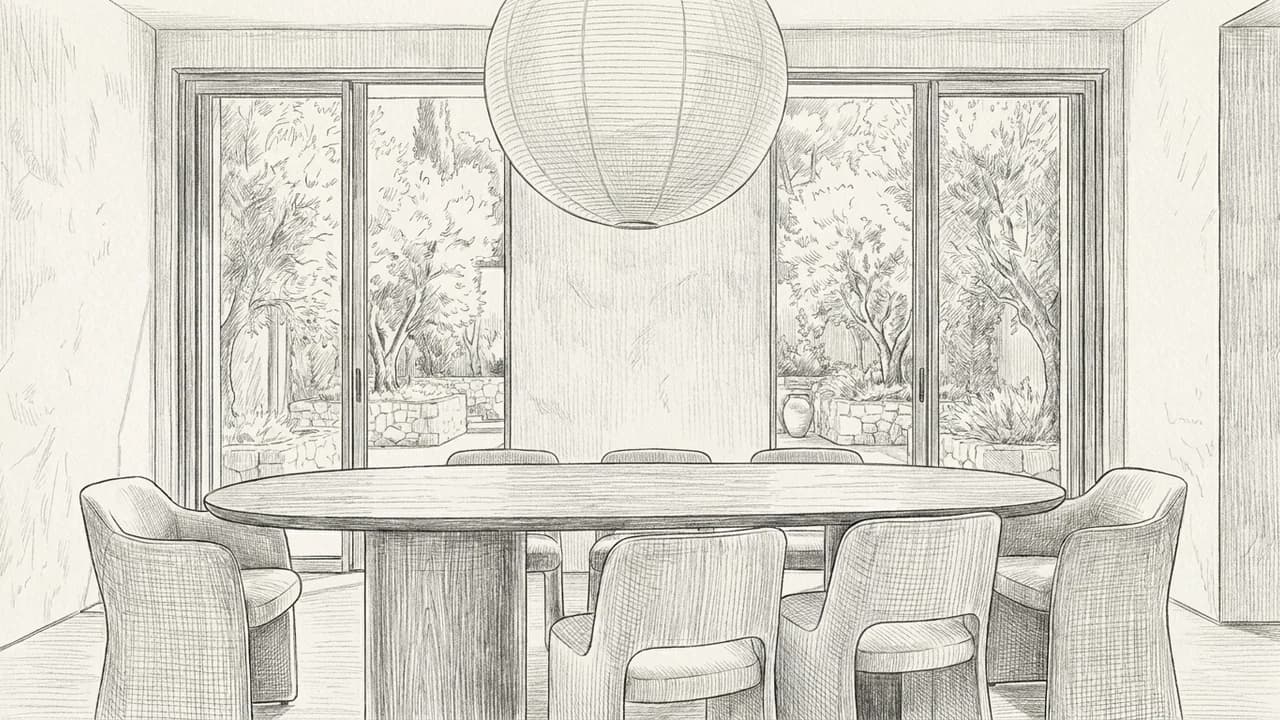
Retain the room and garden glazing. Explore an oak dining table, softly upholstered chairs and one large paper pendant. Use warm neutral materials and natural daylight.
Keep the spatial cues in your source while exploring a new visual direction.
Start with a dining-area photo, plan, sketch, or empty room view. Use a wide, clear image with the geometry you want to retain.
Give precise instructions for table shape, seating, pendant, rug, storage, palette, and circulation. Add reference images when products or styles matter.
Compare the result, adjust one decision at a time, and keep refining the selected version in Render Studio.
Compare a key design direction without rebuilding or manually compositing the source image.
Keep the same viewpoint while testing alternatives for a more useful side-by-side review.
Turn an early idea into a visual that clients and collaborators can discuss concretely.
Explore and compare a visual direction before committing to detailed documentation.
Present a coherent option during a client, brand, or internal design review.
Use the selected image as a clear brief for the next technical design phase.
Explore more AI design generators
AI-generated visual concept. Always verify dimensions, regulations, feasibility, and technical decisions with the relevant professionals.
Upload your space, describe the direction, and explore a realistic visual concept with Renderz.