
01
Lock the camera
Choose the framing and visible geometry in Solid, Material Preview, Eevee, or a simple clay setup.

Blender workflow
Blender gives you deep control; Renderz gives you another way to move quickly. Use a clay, Solid, Material Preview, or simple Eevee view as visual guidance, then test a photoreal direction before spending time on final shaders, assets, and lighting.
A closer look
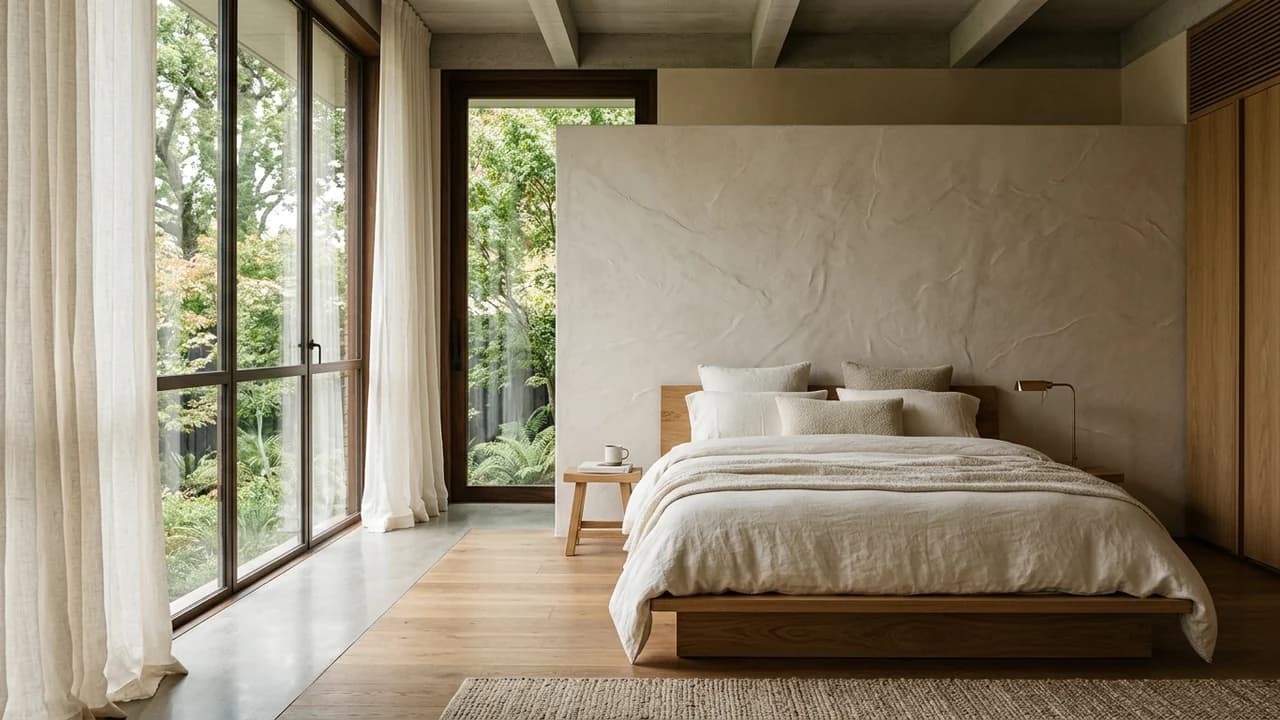
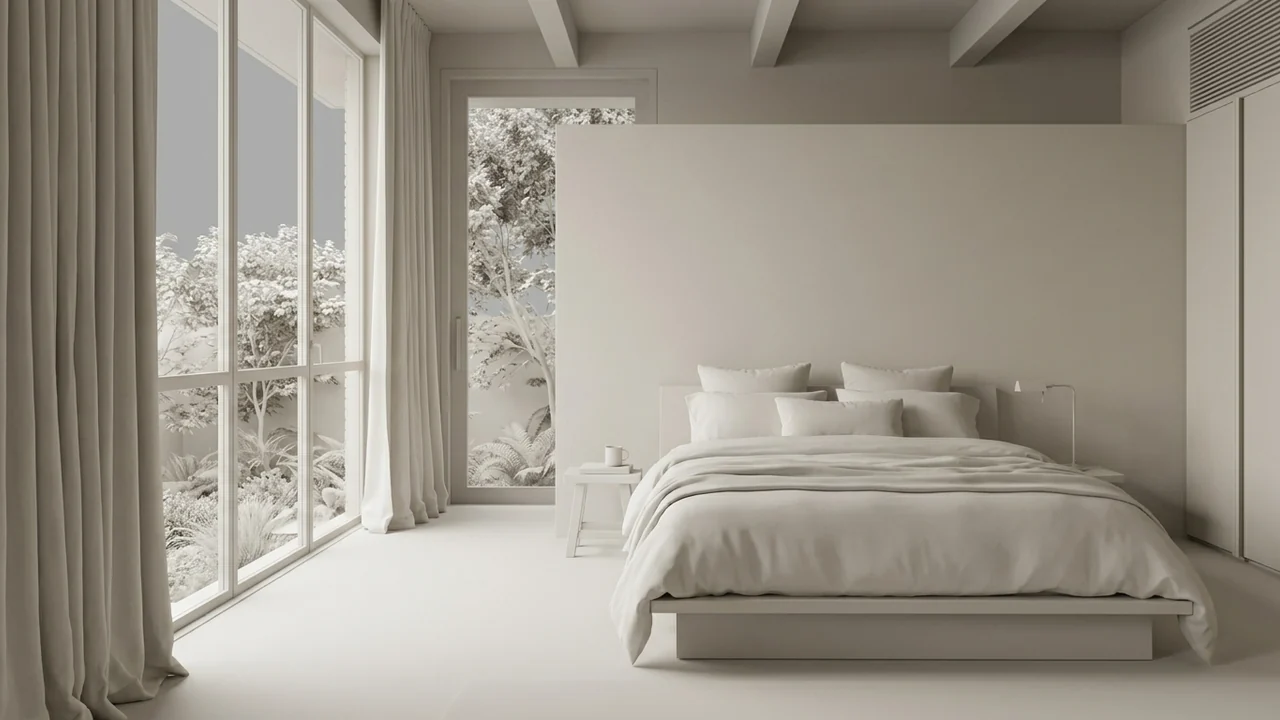
Keep the bed position and window openings. Explore a low oak bed, pale linen, soft textured plaster and floor-length curtains. Use gentle morning daylight without adding new openings.
Illustrative study. Use an image exported from your design software to try a similar workflow.
Use Renderz early, then return to Blender whenever exact scene control matters.
Choose the framing and visible geometry in Solid, Material Preview, Eevee, or a simple clay setup.
Export or capture a clean, high-resolution image with the intended composition.
Describe materials, light, set dressing, and mood to explore a finished visual direction.
Validate the overall look before building detailed material graphs and lighting rigs.
Place modeled products or spaces into different visual contexts for creative review.
Use Renderz for ideation and Blender for animation, exact geometry, passes, and deterministic final rendering.
Test studio sets, lifestyle contexts, and material directions around a modeled object.
Explore atmosphere and set dressing before sourcing every final asset.
Share a resolved visual direction while the production-ready Blender scene is still being built.
More software workflows
Blender is a trademark of the Blender Foundation. Renderz is independent and is not affiliated with or endorsed by the Blender Foundation.
Capture a scene, describe the visual direction, and evaluate the idea before completing the full render setup.