

Creation mode
From input to photoreal render in seconds
Render Mode is the core of Renderz: drop in a plan, model screenshot, sketch, or photo and get a presentation-ready image back. You describe the look in plain language and the engine keeps your geometry intact while applying the materials, light, and mood you asked for. No nodes, no GPU queue, no overnight wait.
A closer look
A living-room sketch explored in natural light
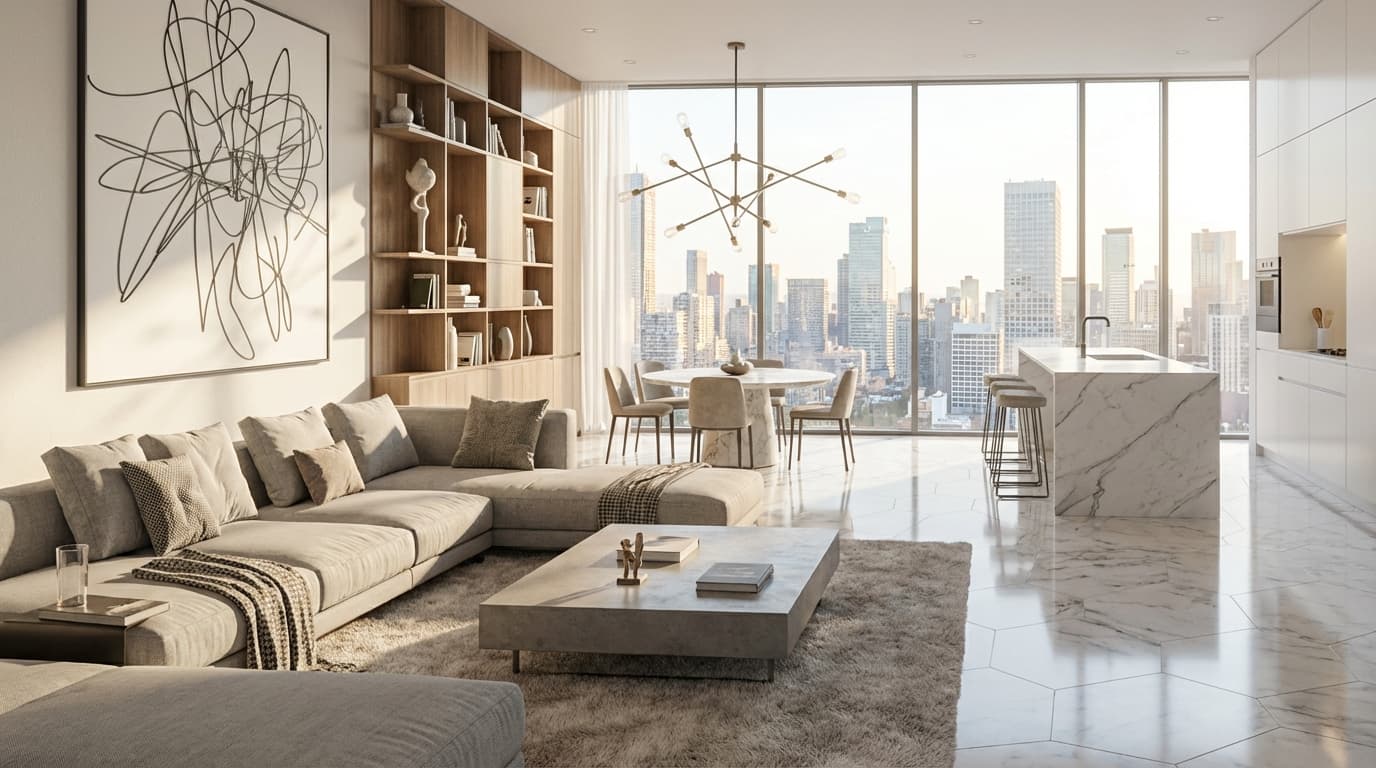
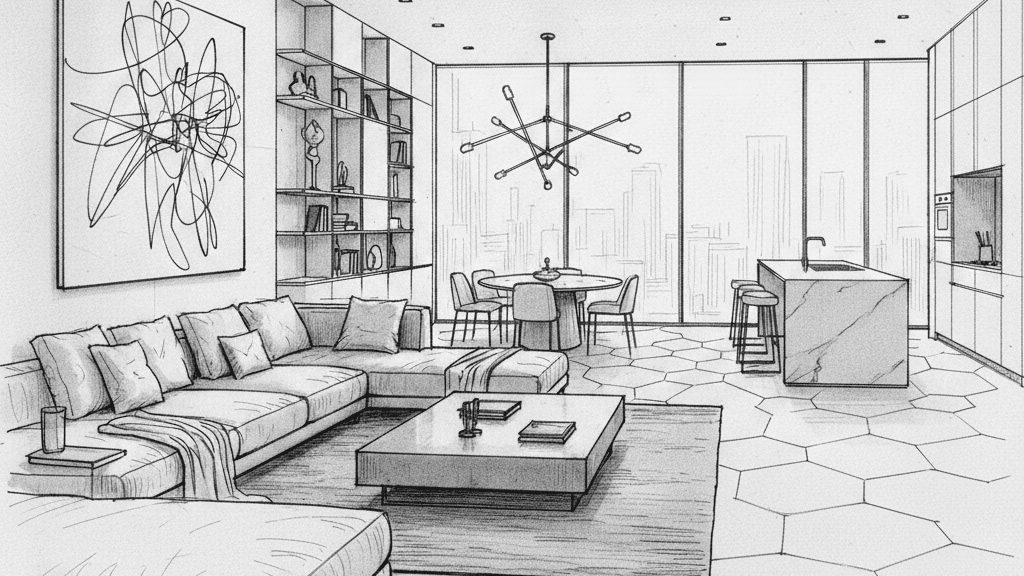
- The brief
- Use a perspective sketch to explore a material and lighting direction for an interior review.
- What to compare
- Soft daylight, a pale sofa and timber shelving help explain the atmosphere of the room.
- Before sign-off
- Check the ceiling, openings, furniture and perspective against the sketch before presenting the result.
A prompt to adapt
Use this sketch as the composition reference. Explore pale upholstery, timber shelving and soft natural daylight. Keep the main openings and camera angle, then review every generated detail against the sketch.
Any input, one workflow
Floor plans, clay models, hand sketches, or site photos all run through the same flow, upload, describe, render. You don't switch tools depending on the source.
Plain-language direction
Type "warm oak floor, soft afternoon light" instead of fiddling with seeds and weights. The model translates intent into a usable result on the first try.
~30 second turnaround
Iterate live in front of a client instead of booking time with a visualization studio. Most renders come back fast enough for same-meeting revisions.
Frequently asked questions
- Do I need SketchUp, Rhino, or any 3D software?
- No. Render Mode works from a plan, sketch, screenshot, or photo. A 3D model improves fidelity but is never required.
- How long does one render take?
- Typically around 30 seconds, which makes it practical to iterate during a live client conversation.
- Can I keep refining the same image?
- Yes. Adjust the prompt, materials, lighting, season, and re-render until the result is right.
Explore a specific rendering workflow
Try render mode on your next project
30 trial credits, no credit card required. Test Full HD renders, 4K upgrades and animations.