
01
Frame the view in Rhino
Choose a clear Shaded, Arctic, Rendered, or clay viewport with the camera and composition you want to preserve.

Rhino 3D workflow
Keep modeling complex forms in Rhino, then use Renderz when you need a convincing image quickly. Capture the viewport you already use, upload it, and direct materials, lighting, landscape, and atmosphere in plain language, without rebuilding the scene in a separate rendering pipeline.
A closer look
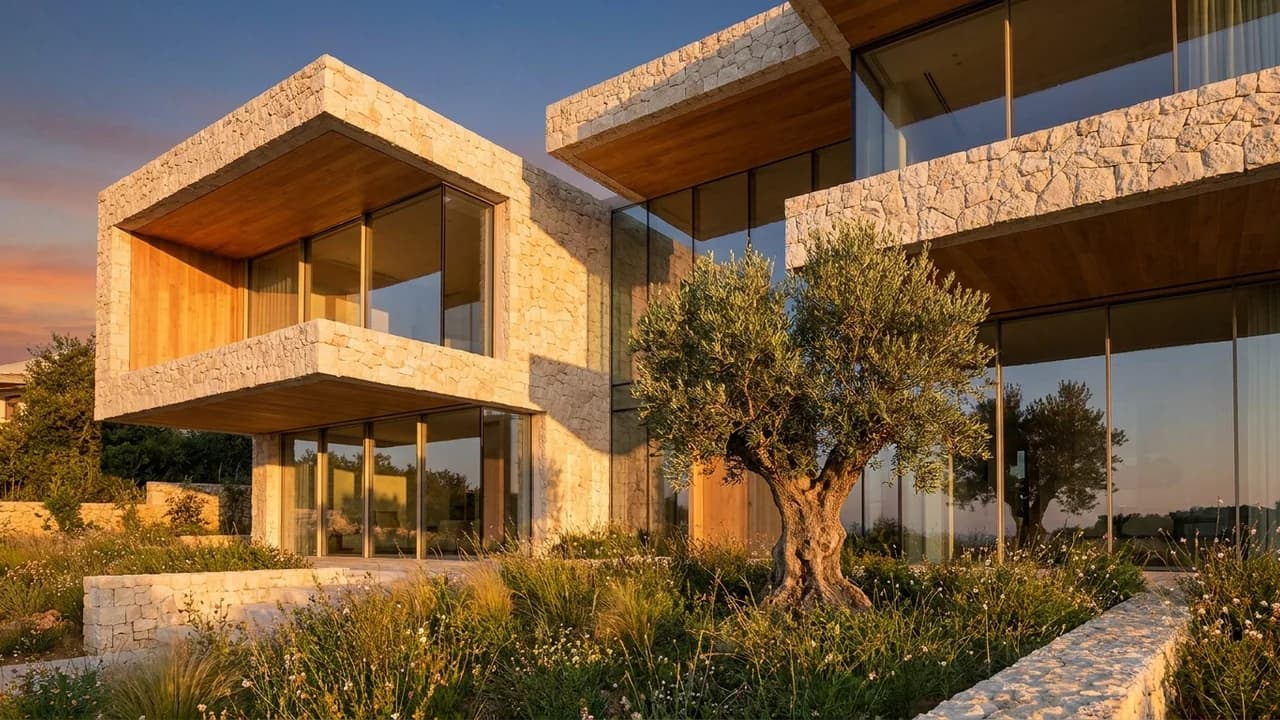
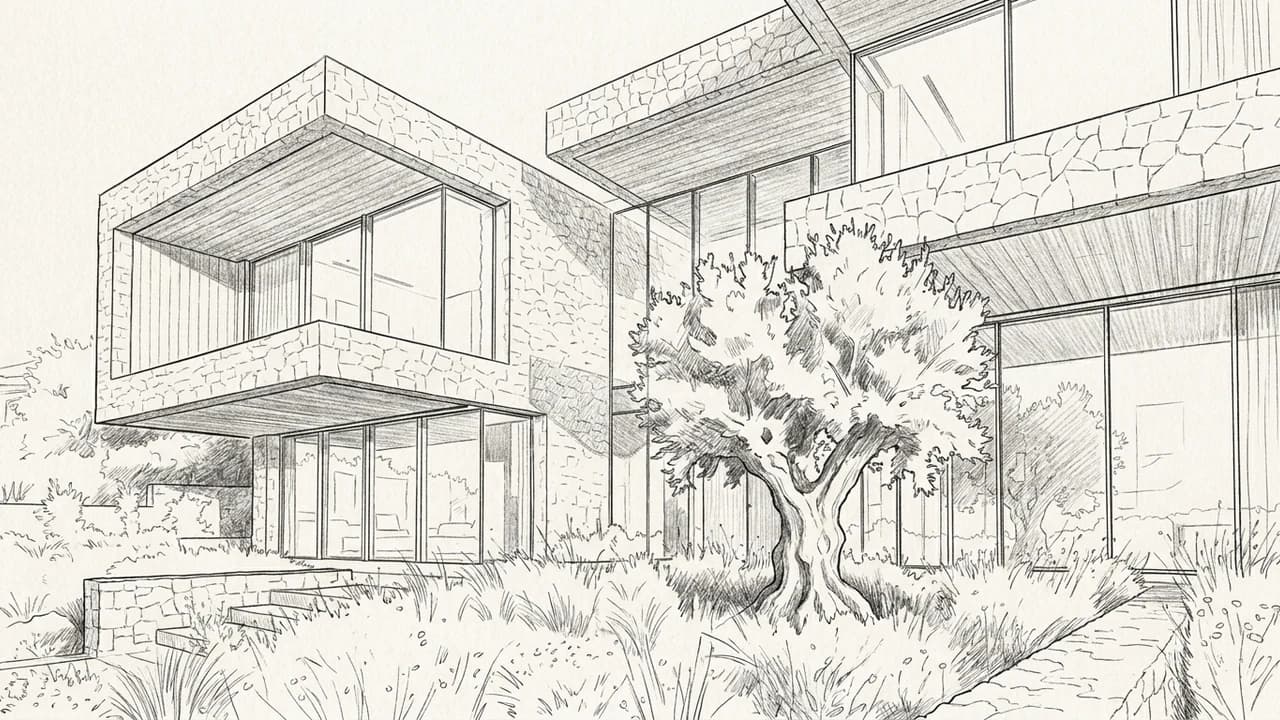
Use the uploaded perspective as the spatial reference. Explore warm textured stone, timber soffits and dark window frames in late afternoon light. Keep the openings and terrace positions.
Illustrative study. Use an image exported from your design software to try a similar workflow.
A lightweight workflow that leaves your Rhino model untouched.
Choose a clear Shaded, Arctic, Rendered, or clay viewport with the camera and composition you want to preserve.
Export an image or take a high-resolution viewport capture, then add it as the source in Renderz.
Specify façade materials, glazing, context, weather, and light. Generate alternatives without setting up a render engine.
Use readable silhouettes and surface boundaries from Rhino as the visual anchor for a more resolved architectural image.
Explore visual directions before investing time in UVs, shaders, light rigs, or a final visualization scene.
Create multiple moods from the same viewpoint while the geometry is still evolving.
Give early volumes material, landscape, and daylight context before details are finalized.
Compare metal, stone, timber, or glass directions from one locked camera.
Turn a selected design view into a polished visual for critiques, pitches, and client meetings.
More software workflows
Rhino and Grasshopper are trademarks of Robert McNeel & Associates. Renderz is independent and is not affiliated with or endorsed by Robert McNeel & Associates.
Export a viewport image, describe the atmosphere, and explore a photoreal direction in minutes.