


Photoreal rooms with your real products, before the first sample

Turn a room photo, floor plan or model view into AI interior design renders for your next client meeting. Bring your own furniture references, explore finishes and compare options from one source view. Use the images to agree on a design direction, then confirm dimensions and materials with plans and samples.

Your furniture references in context

Use chairs, tables and rugs from your product library as references in the room. Compare the resulting proportions and details with your plan and supplier specifications.

Iterate textures, furniture, and style fast

Swap finishes, rearrange pieces, or shift the mood in the same room view. Rapid side-by-side options instead of waiting on another 3D pass.

Edit details without starting over

Remove clutter, add a pendant, or shift a sofa. Describe the change and keep the rest of the composition intact.

One product photo. Many rooms.

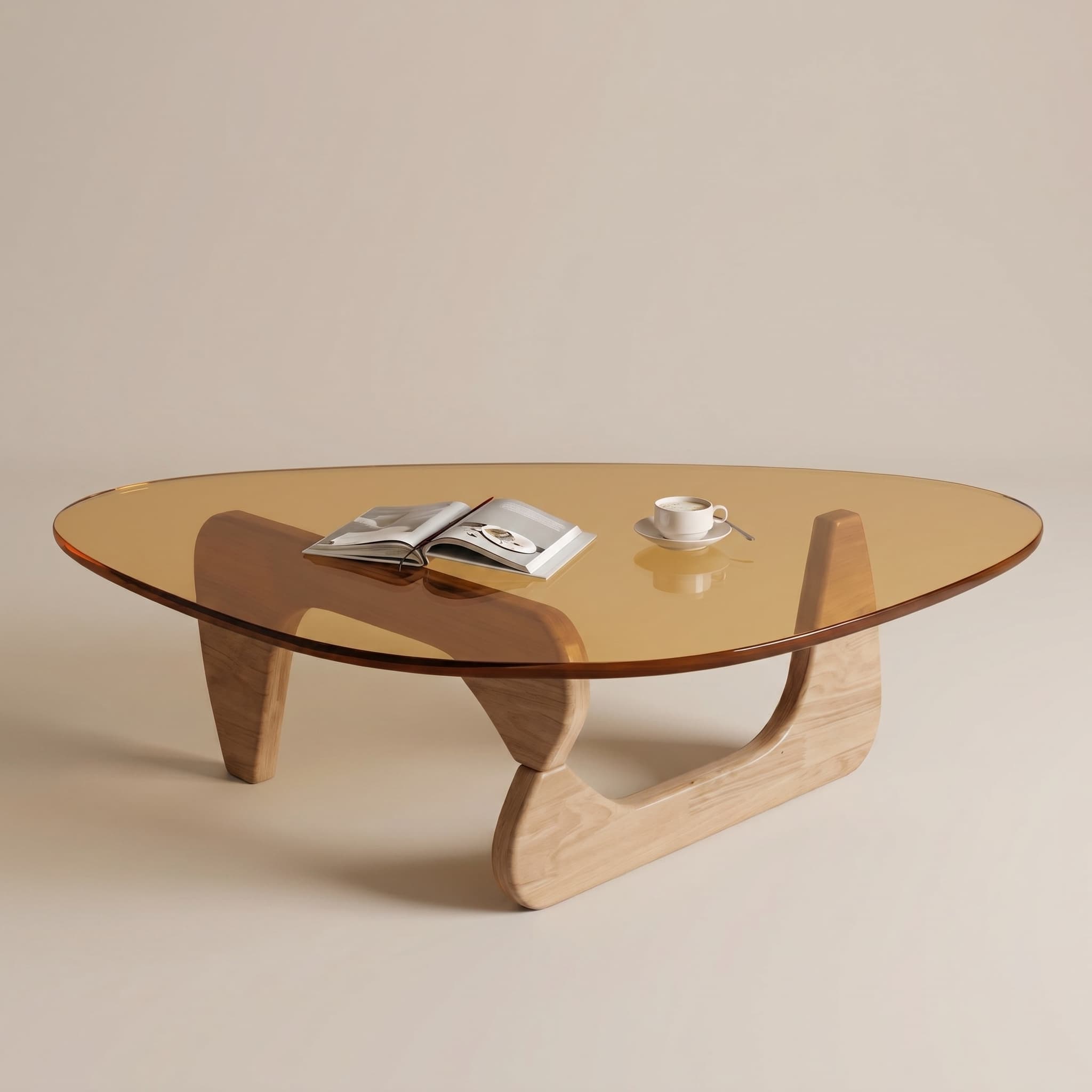
Start from a standard catalog shot. Renderz places your piece in lifestyle scenes clients can feel, without rebuilding a 3D set.

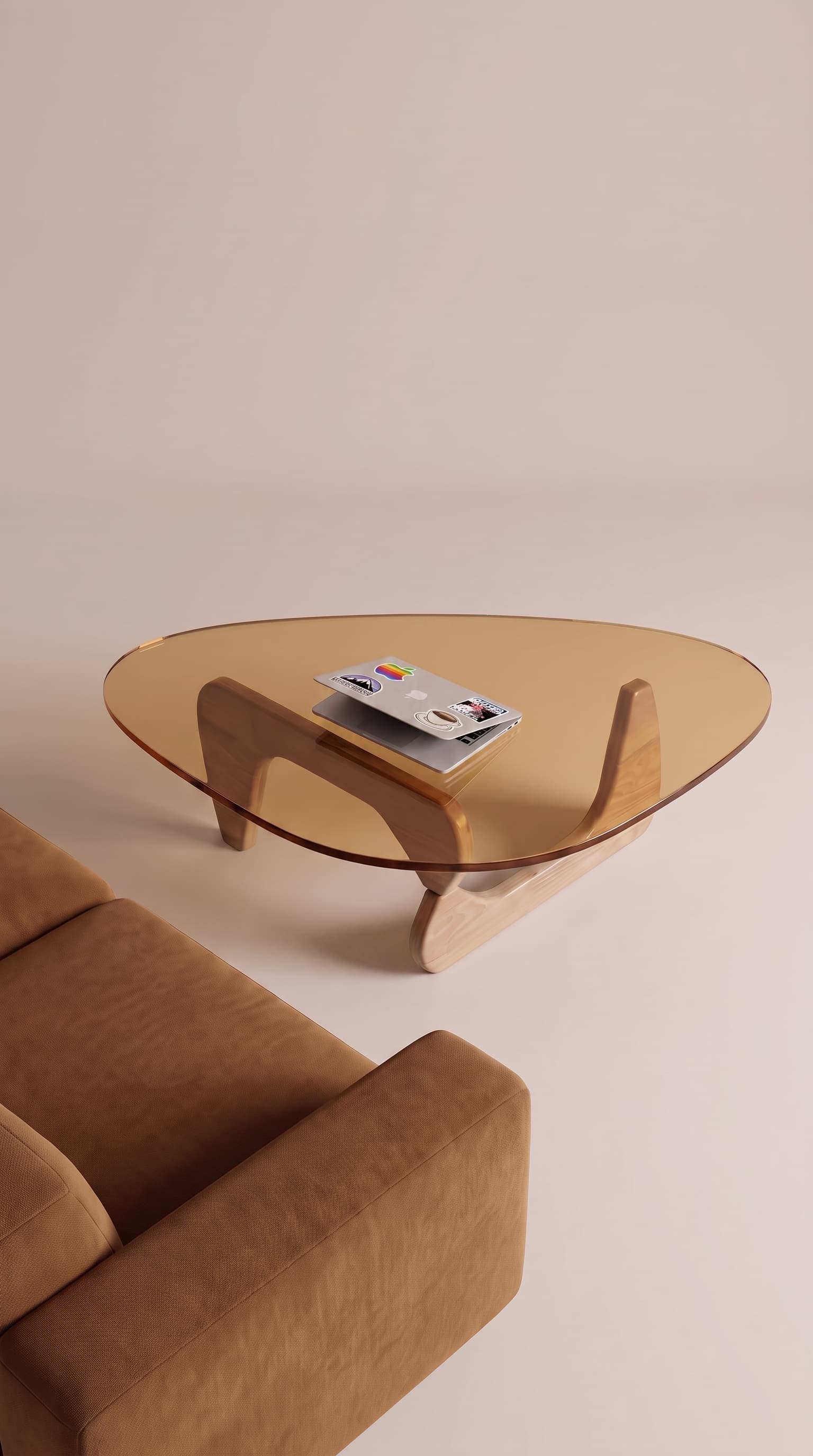
Same coffee table styled in a bright living room with a cognac sofa and laptop
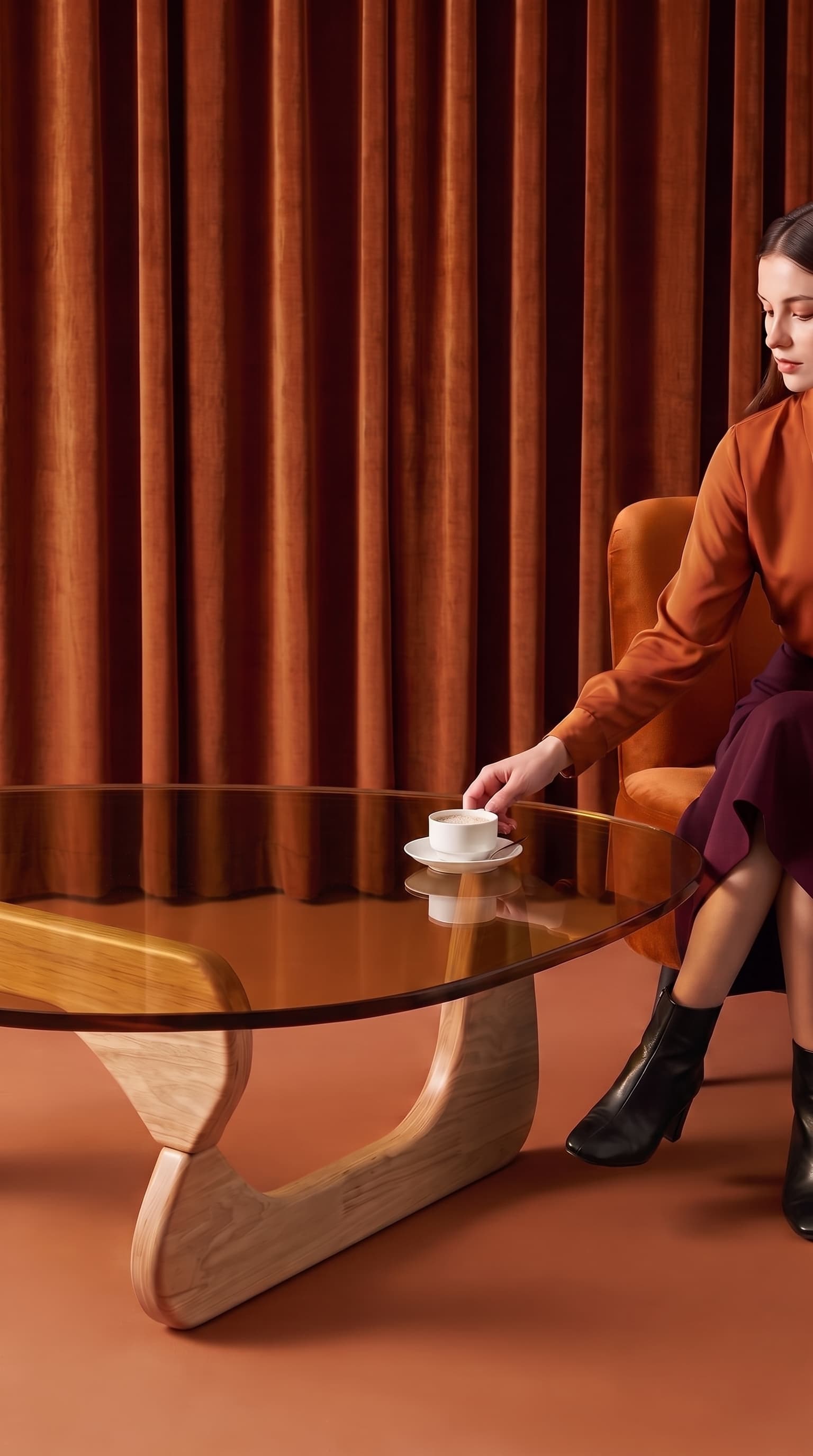
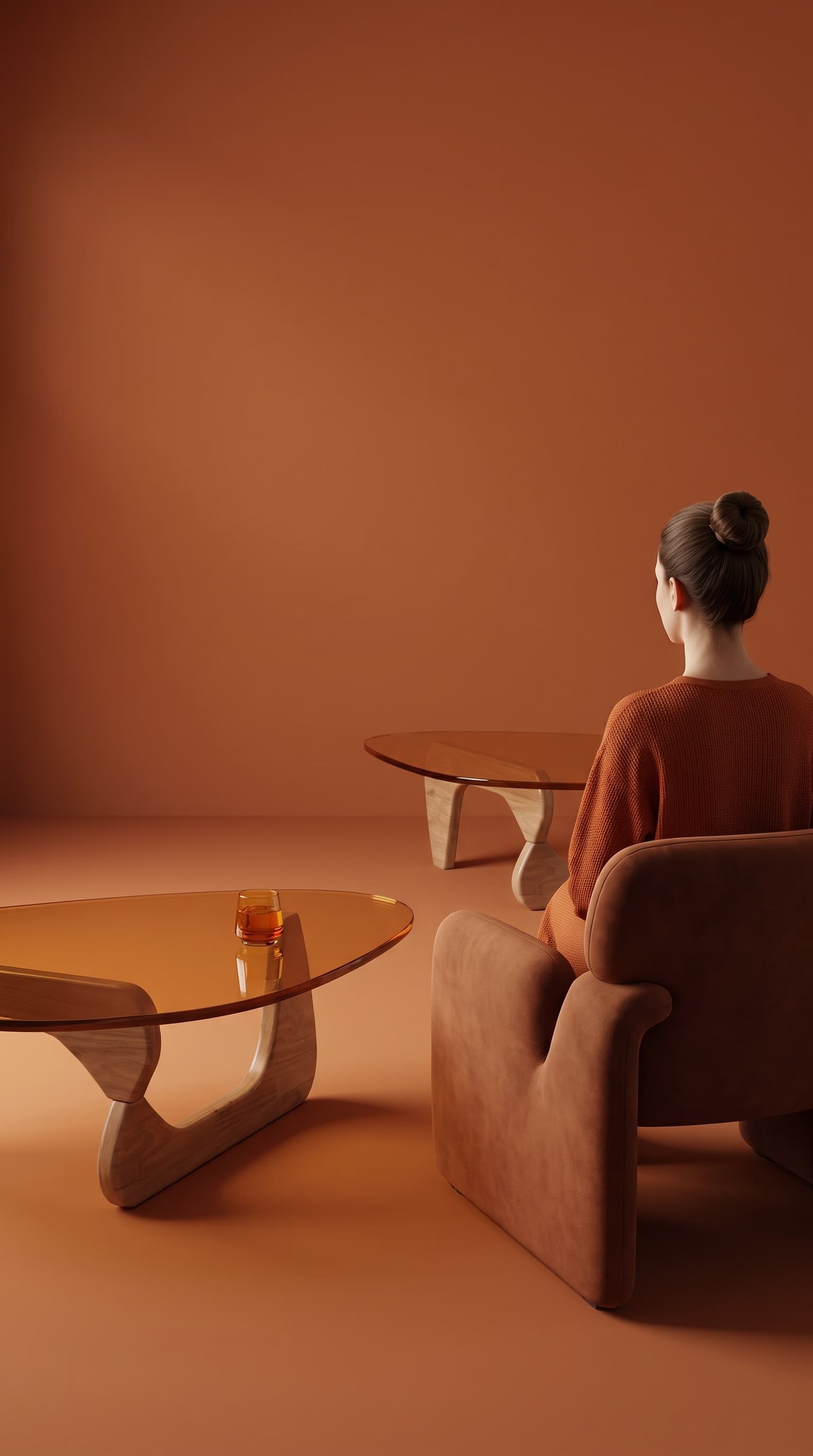
Same coffee table in a warm terracotta room with velvet drapes and a seated guest
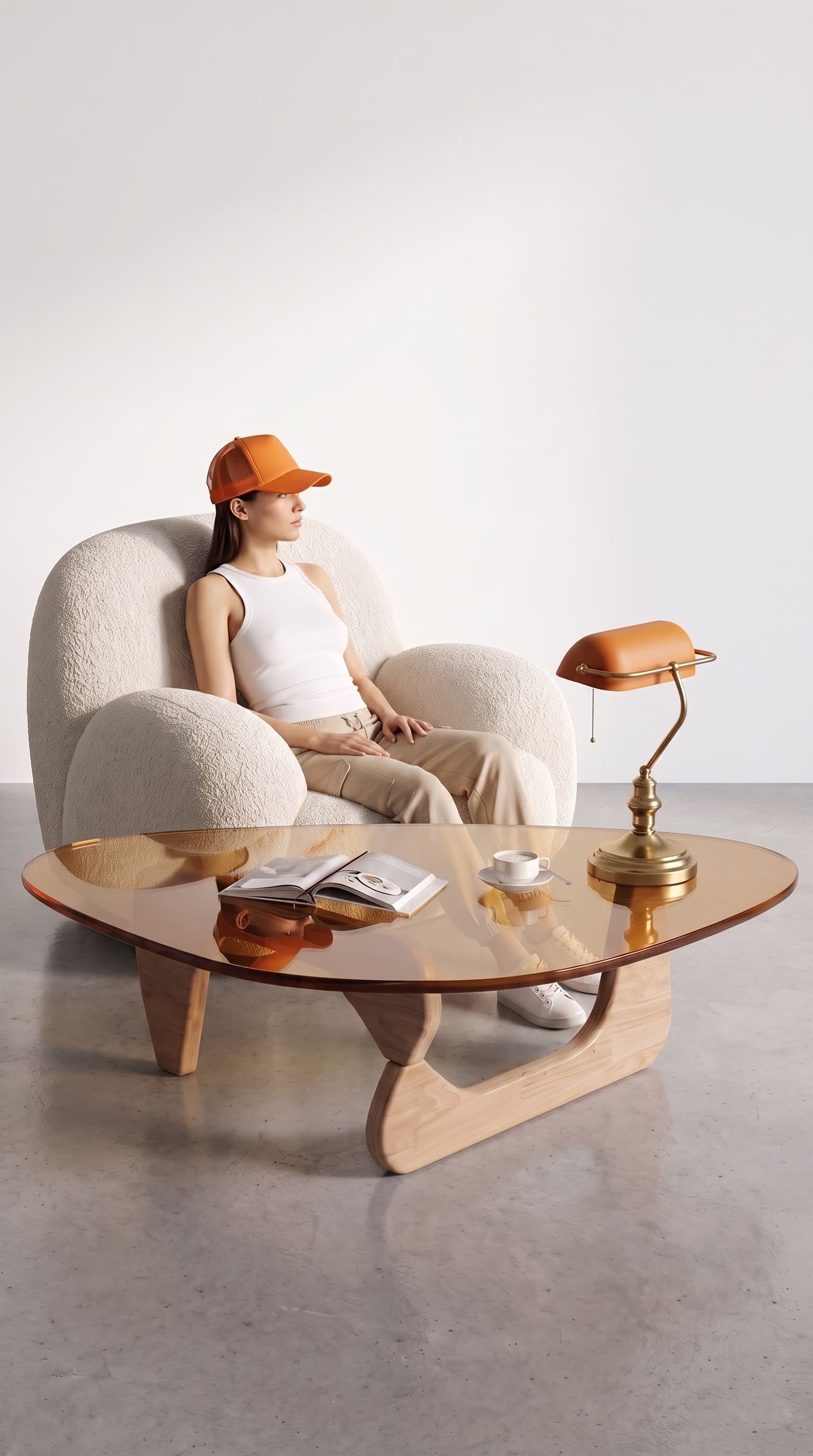
Same coffee table beside a white bouclé armchair with magazine and banker lamp
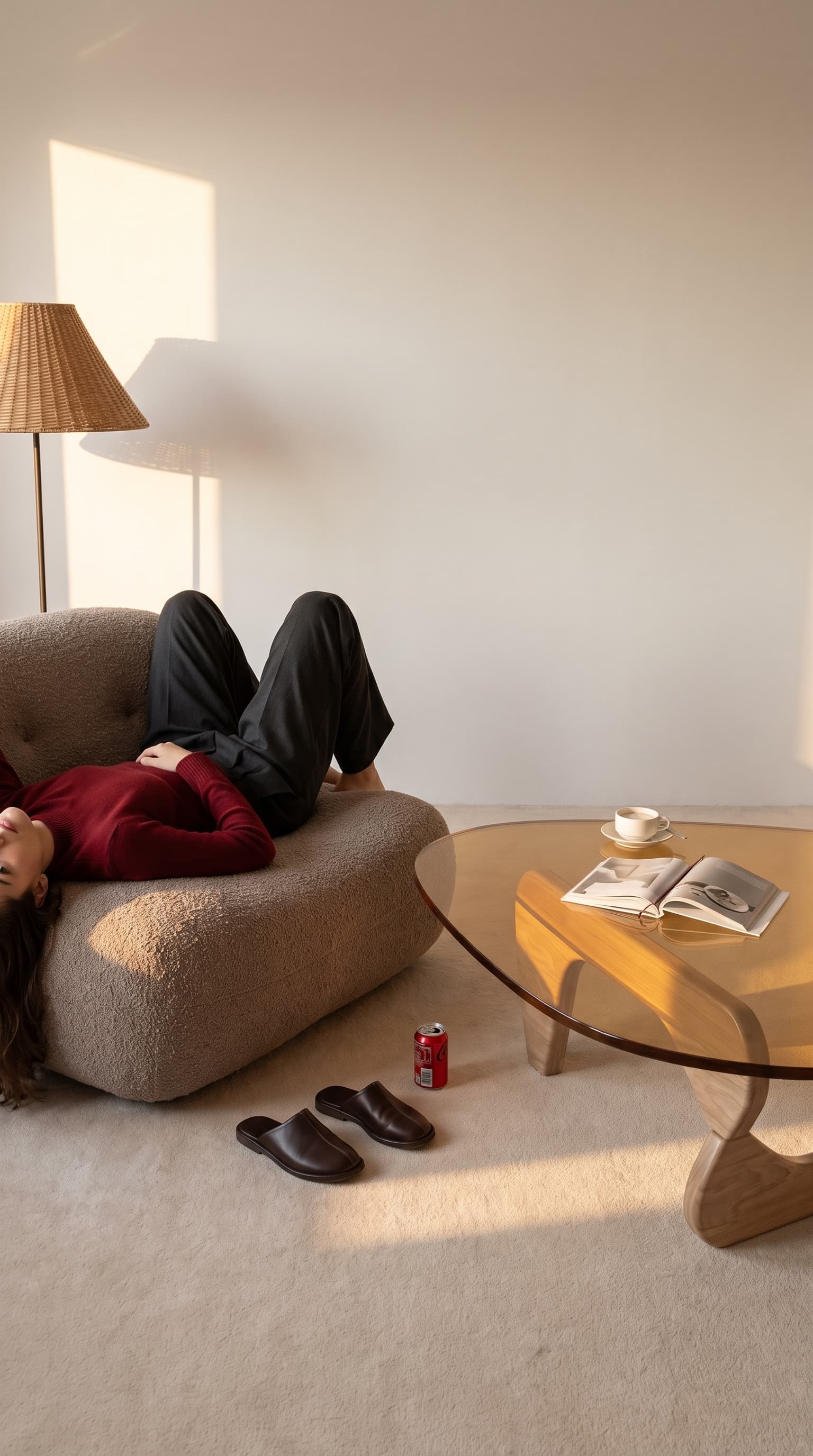
Same coffee table in a sunlit lounge with a person resting on a beige sofa
Same coffee table placed on a red clay tennis court with racket and balls
Same coffee table in a monochrome terracotta interior with a matching armchair
Catalog product photo of an amber glass coffee table on a sculptural wood baseCatalog photo

True-to-scale furniture

Every piece, at the right dimensions.

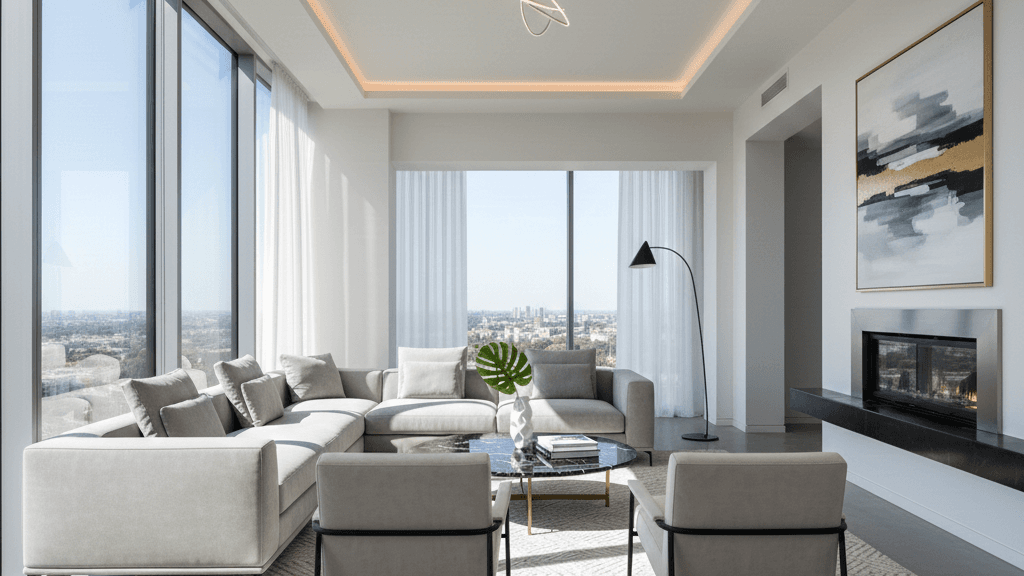
Add the exact width, depth, and height of your furniture. Renderz places each piece at a credible scale, so your layouts look right before they reach the client.

Photoreal living room with furniture dimension annotations
Exact measurements
Credible proportions
Client-ready layouts

Turn a still into motion.

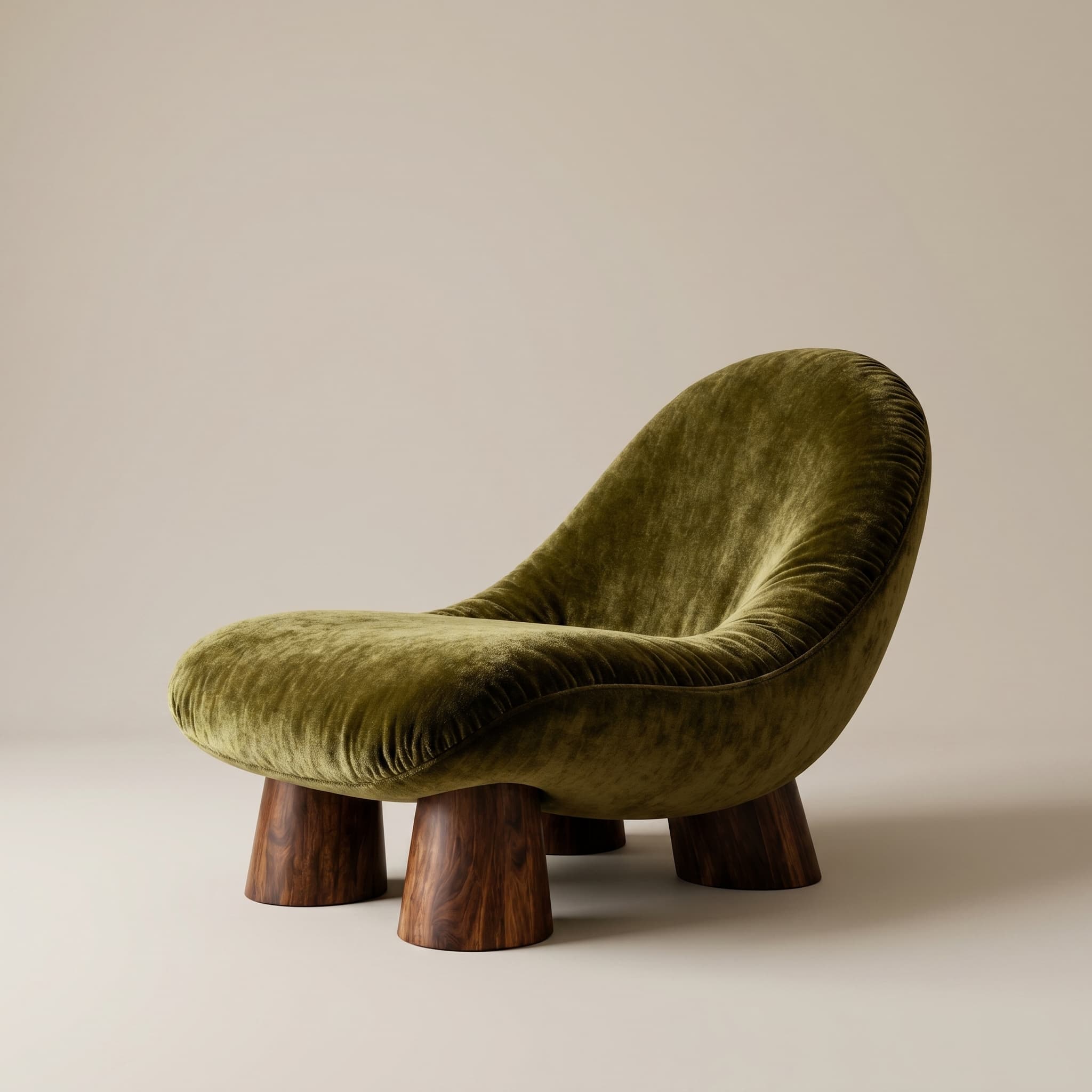
Animate a catalog shot into a short clip for Instagram, your online shop, or a client pitch, more emotion, same product.

Catalog photo of an olive velvet lounge chair on dark wood legs

Prepare options your client can compare

Start from a room photo, floor plan or model view to discuss layout, furniture and finishes in the actual project.

Which AI interior design tool fits a professional project?

For client work, evaluate the tool using your room and product references. Renderz starts from a photo or project view to explore furniture and finishes. Judge how easily you can obtain a proposal you can verify and revise.

  1. Test a room with its existing openings and constraints.
  2. Compare furniture details, textures and lighting.
  3. Check the image against the actual project before approving a proposal.

How do I use AI interior design from a room photo?

Upload a clear room photo and describe what should change and what should stay. For a kitchen or living room, name materials and furniture rather than only a broad style. A floor plan helps discuss layout; a perspective helps assess atmosphere.

  1. Choose a photo with visible floors, walls and openings.
  2. Describe one specific proposal, then vary one element at a time.
  3. Compare images while checking access, proportions and circulation.

Example prompt to adapt to your project

In this living room, replace the rug with beige wool and the curtains with light linen. Keep the sofa, windows, layout and viewpoint.

How can I show my own furniture and finish options?

Add product images to your library and use them as references in your renders. Present one option per finish to make comparison easier. Check product references, dimensions and colors against supplier specifications and samples before ordering.

  1. Prepare clear product photos with their references.
  2. Present alternatives from the same room view.
  3. Confirm dimensions in the plan and finishes with physical samples.

Frequently asked questions

Can I use my own product images?
Yes. Upload product images to your library and use them as references in your renders. Check product details against the supplier specification before treating the image as an approved selection.
How is this different from generic AI room generators?
Renderz starts from your uploaded view and supports revisions using your instructions and product references. Test it with your own room, then compare the result with your layout and specification.
Is it fast enough for live client sessions?
You can generate and revise from a browser during a client session. Processing time depends on the selected output and service load. Prepare a first set of options before the meeting.

Photoreal renders built for interior designers

30 trial credits, no credit card required. Test Full HD renders, 4K upgrades and animations.

See examples