

Pro capability
Take any render to print-ready resolution
A render that looks great on screen can fall apart on an A1 board. Upscaling boosts your image to crisp, high-resolution output with sharpened detail and clean edges, ready for competition panels, large-format prints, and marketing collateral. No need to re-render the scene from scratch to get there.
A closer look
Compare facade detail at two resolutions
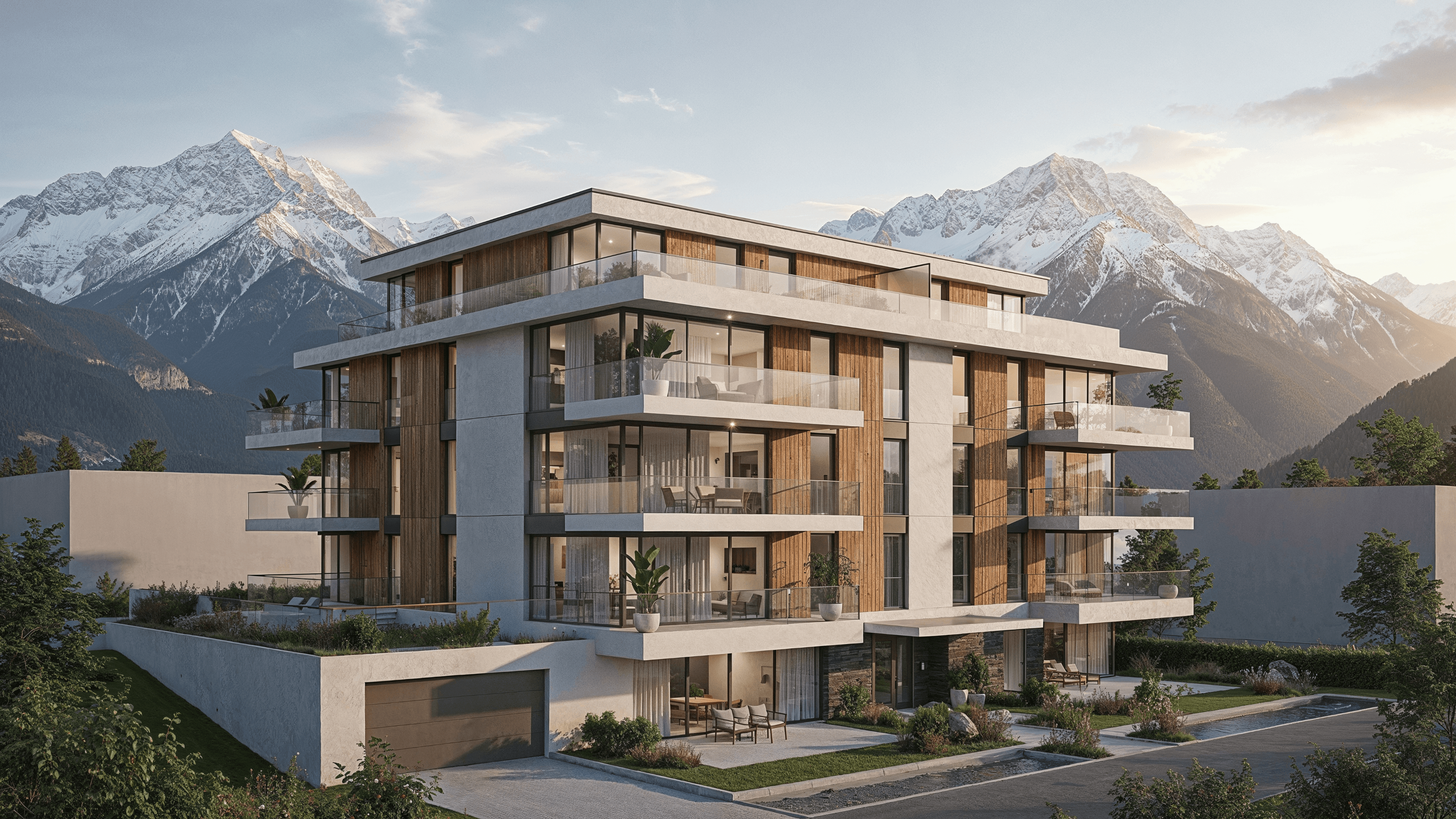
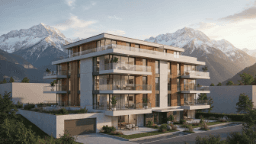
- The brief
- Compare the two existing facade images before choosing a size for a presentation board.
- What to compare
- Look at the balcony railings, facade edges and planting. Open each original to inspect it at full size.
- Before sign-off
- Higher resolution does not verify architectural detail. Check edges and small features against the original design.
Print-ready detail
Bring renders up to high resolution so textures and edges stay sharp at large format instead of going soft.
No re-render required
Upscale an image you already made, keep the composition and just gain resolution and crispness.
Board and marketing ready
Deliver assets sized for competition boards, brochures, and hero banners straight from the same workflow.
Frequently asked questions
- Does upscaling change my composition?
- No, it preserves the image and increases resolution and sharpness so you can print large.
- What resolution can I reach?
- High enough for competition boards and large-format prints. Exact ceilings depend on your plan tier.
- Do I need to re-render to upscale?
- No. You upscale an existing render directly, which saves time and keeps the look you already approved.
Explore more
Try 4k upscaling on your next project
30 trial credits, no credit card required. Test Full HD renders, 4K upgrades and animations.