
Renderz

Pro capability

Take any render to print-ready resolution

A render that looks great on screen can fall apart on an A1 board. Upscaling boosts your image to crisp, high-resolution output with sharpened detail and clean edges — ready for competition panels, large-format prints, and marketing collateral. No need to re-render the scene from scratch to get there.

Print-ready detail

Bring renders up to high resolution so textures and edges stay sharp at large format instead of going soft.

No re-render required

Upscale an image you already made — keep the composition and just gain resolution and crispness.

Board and marketing ready

Deliver assets sized for competition boards, brochures, and hero banners straight from the same workflow.

See it in action

4K Upscaling as part of the same Renderz workflow.
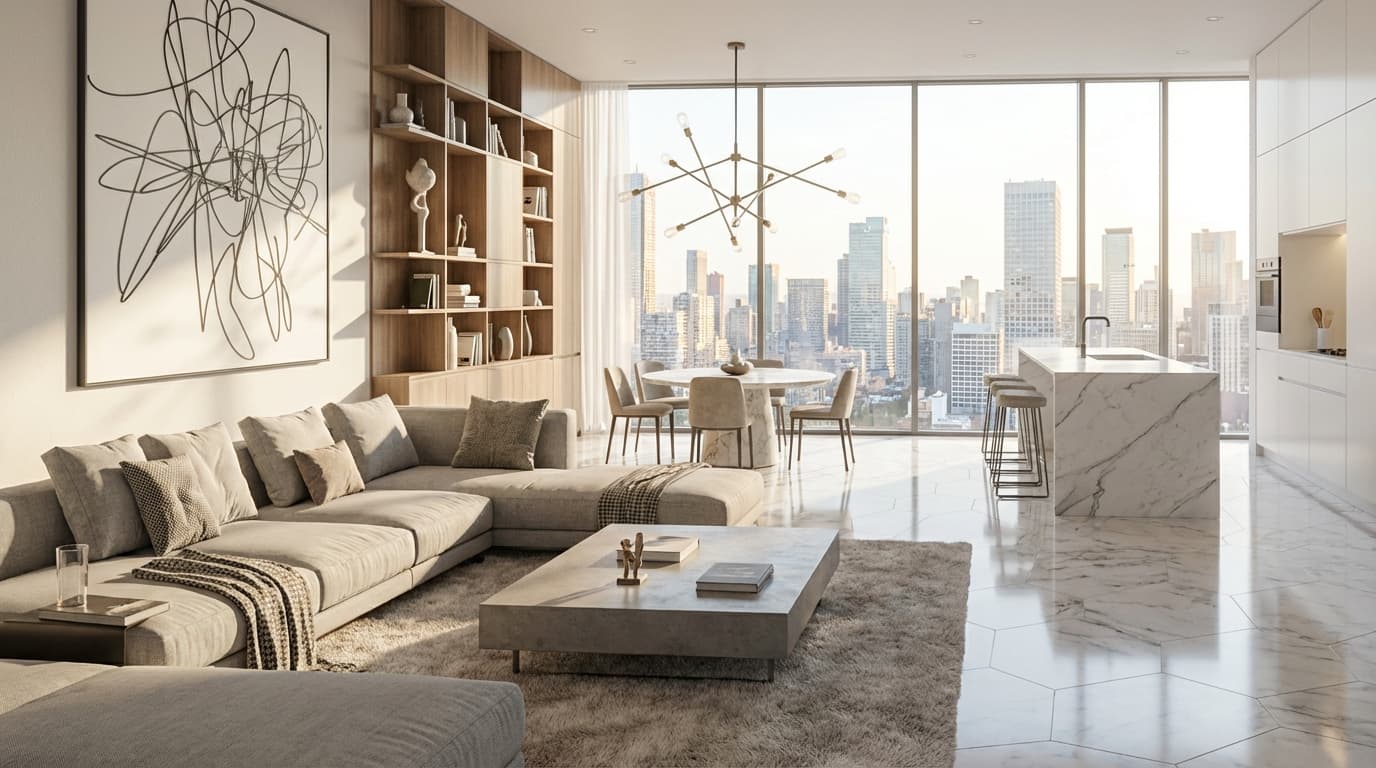
4K Upscaling example
  • Screen render → high-resolution file for an A1 board
  • Standard output → sharpened detail for large-format print
  • Hero image → crisp banner for the project website

Frequently asked questions

Does upscaling change my composition?
No — it preserves the image and increases resolution and sharpness so you can print large.
What resolution can I reach?
High enough for competition boards and large-format prints. Exact ceilings depend on your plan tier.
Do I need to re-render to upscale?
No. You upscale an existing render directly, which saves time and keeps the look you already approved.

Try 4k upscaling on your next project

~5 watermarked renders, no card required. Upload a plan or photo and see results in minutes.