
Creation mode
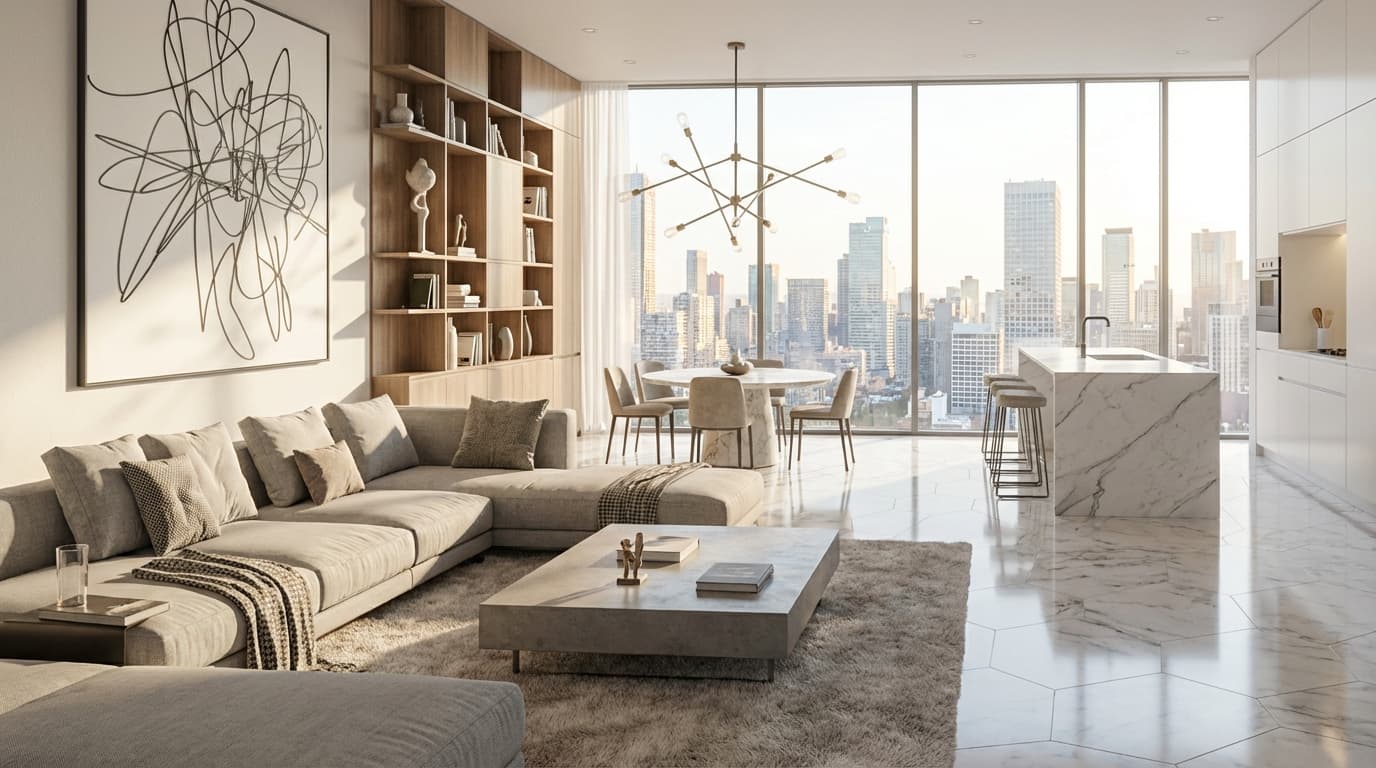
Render Mode is the core of Renderz: drop in a plan, model screenshot, sketch, or photo and get a presentation-ready image back. You describe the look in plain language and the engine keeps your geometry intact while applying the materials, light, and mood you asked for. No nodes, no GPU queue, no overnight wait.
Floor plans, clay models, hand sketches, or site photos all run through the same flow — upload, describe, render. You don't switch tools depending on the source.
Type "warm oak floor, soft afternoon light" instead of fiddling with seeds and weights. The model translates intent into a usable result on the first try.
Iterate live in front of a client instead of booking time with a visualization studio. Most renders come back fast enough for same-meeting revisions.
Render Mode as part of the same Renderz workflow.
~5 watermarked renders, no card required. Upload a plan or photo and see results in minutes.