
Renderz

Creation mode

Explore the concept before you commit to geometry

Some projects start with a feeling, not a plan. Inspiration Mode lets you generate concept directions, palettes, and atmospheres from a text prompt alone — perfect for the early conversation when you're still aligning on taste. Lock the direction the client loves, then carry it into Render Mode once the geometry exists.

Start from a prompt, not a model

No upload required. Describe the brief and get several visual directions to react to before any drawing is finalized.

Align on taste early

Show three moods side by side in the first meeting so the client narrows the aesthetic before you invest billable hours.

Hand off to Render Mode

When the concept is approved and the plan is ready, reuse the same direction to produce geometry-faithful renders.

See it in action

Inspiration Mode as part of the same Renderz workflow.
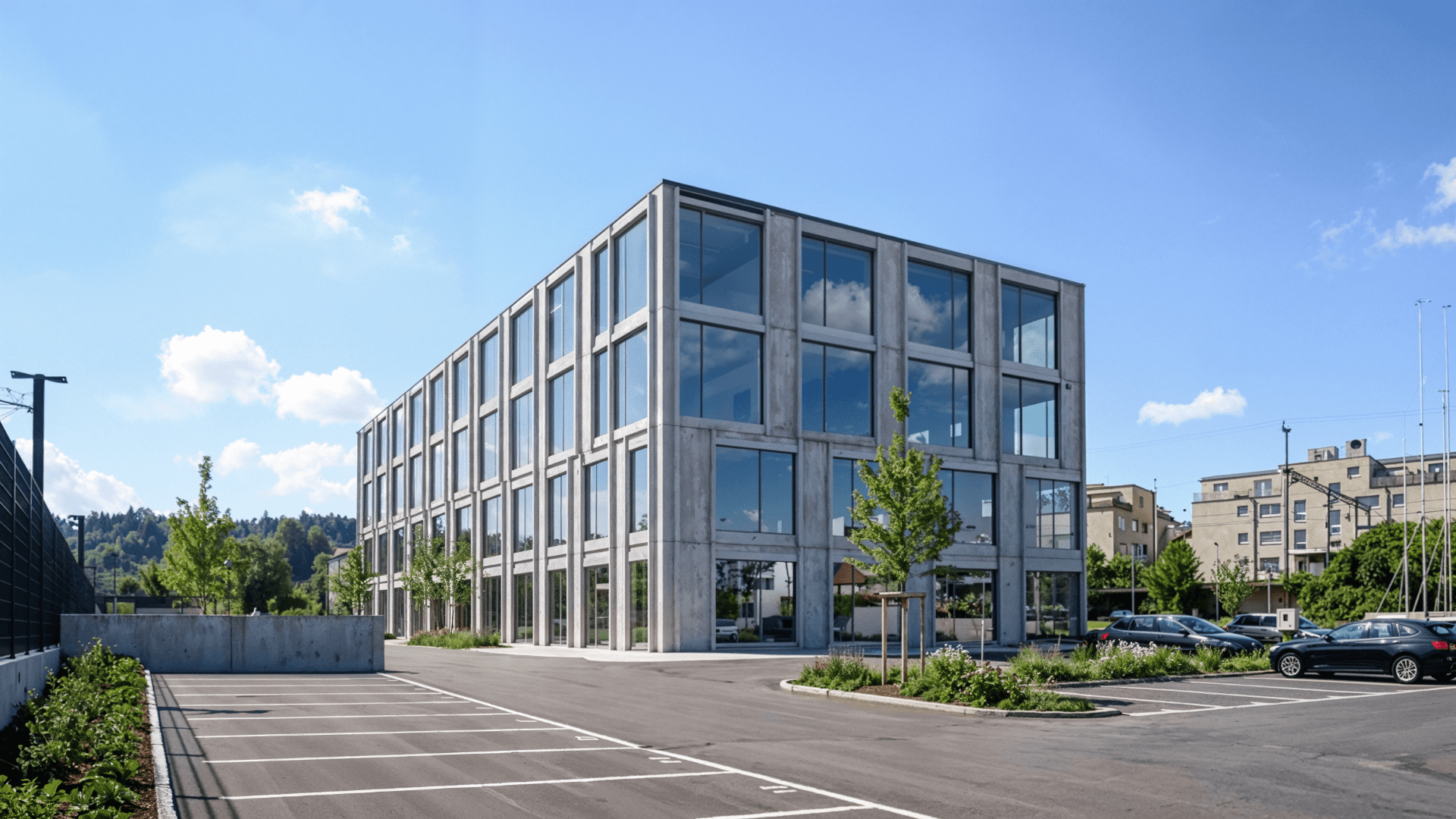
Inspiration Mode example
  • Text brief → three concept directions to choose from
  • Mood prompt → palette and atmosphere study
  • Approved concept → carried into a geometry-faithful render

Frequently asked questions

Is Inspiration Mode the same as Render Mode?
No. Inspiration Mode explores concepts from a prompt without geometry; Render Mode produces geometry-faithful images from your plan or model.
Can I use these images in a client deck?
Yes — they're ideal for early concept boards. For final, geometry-accurate visuals, move the chosen direction into Render Mode.
Do I lose my chosen style when switching modes?
No. You can describe the same look in Render Mode so the approved direction carries through.

Try inspiration mode on your next project

~5 watermarked renders, no card required. Upload a plan or photo and see results in minutes.