
Renderz

Pro capability

Every material option, same view, in seconds

Clients decide faster when they can compare like-for-like. Material Variants keeps the layout and camera locked while swapping finishes, palettes, and moods — oak vs walnut, warm vs cool, summer vs winter. Generate a set of options from one prompt so the whole project stays visually consistent across rooms.

Locked camera, swapped finish

The viewpoint never moves, so side-by-side comparisons are honest and the client decides on the spot.

Batch options from one prompt

Produce several palettes or rooms in a single pass to keep an entire project consistent without re-describing each scene.

Fewer follow-up meetings

Present the full range at once instead of emailing one render at a time and waiting on each reaction.

See it in action

Material Variants as part of the same Renderz workflow.
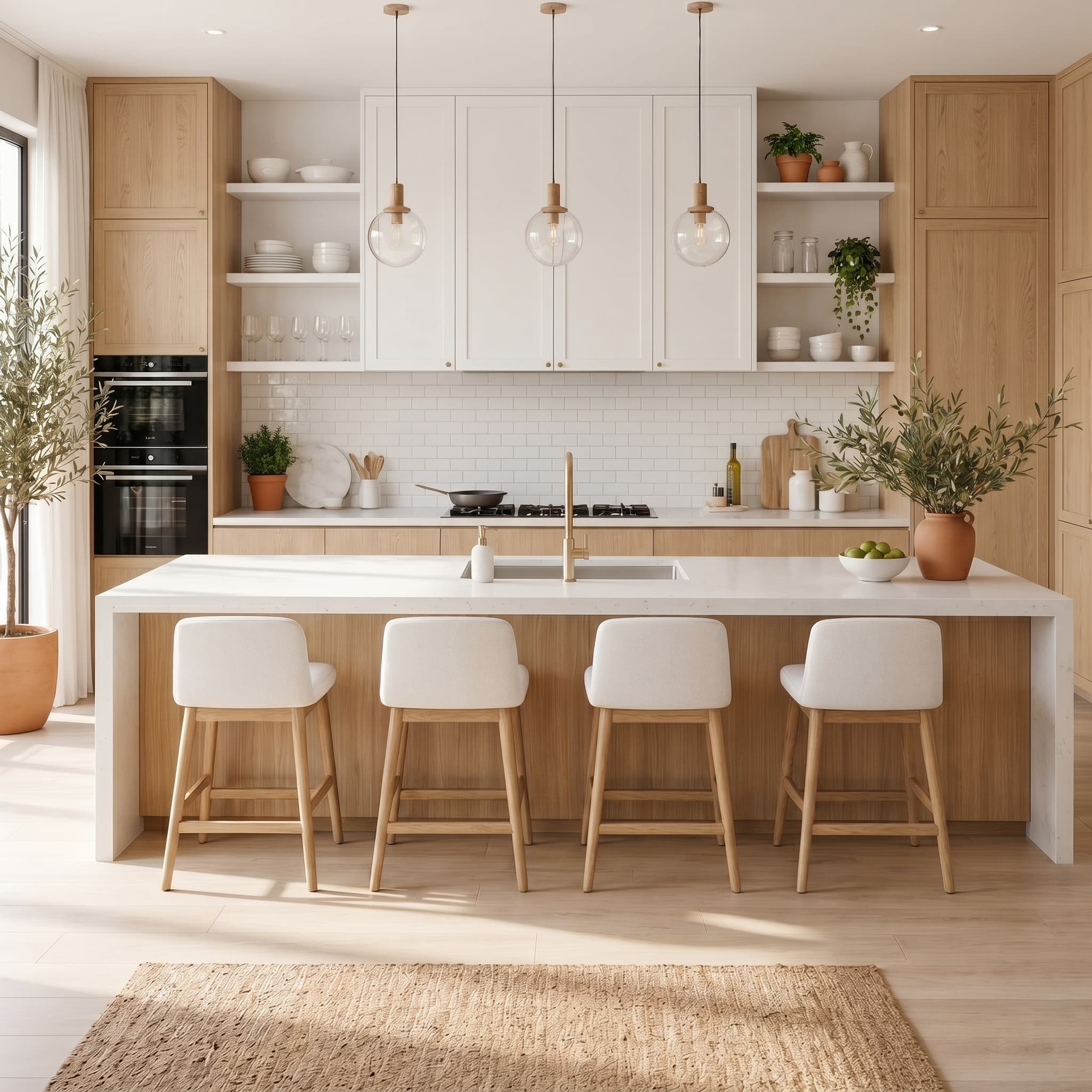
Material Variants example
  • Same living room → oak, bright, Scandinavian, and walnut
  • One prompt → a consistent set across multiple rooms
  • Warm vs cool palette on the identical camera angle

Frequently asked questions

Do the variants keep the exact same layout?
Yes — the camera and geometry stay fixed so only the materials and mood change between options.
Can I match specific products or named finishes?
Upload reference swatches or product photos and prompt for the named line you intend to specify.
How many options can I generate at once?
Batching lets you produce several variants in one pass; the exact count depends on your plan.

Try material variants on your next project

~5 watermarked renders, no card required. Upload a plan or photo and see results in minutes.