

Mode de création
Donnez vie à une image fixe avec du mouvement
Un plan en mouvement retient l’attention autrement qu’une image plate. Le Mode Motion transforme un rendu fini en court clip cinématographique, un lent travelling ou un panoramique, prêt pour présentations, annonces et réseaux. Pas d’After Effects, pas de spécialiste, pas d’export nocturne.
Un exemple concret
Un fauteuil présenté en mouvement
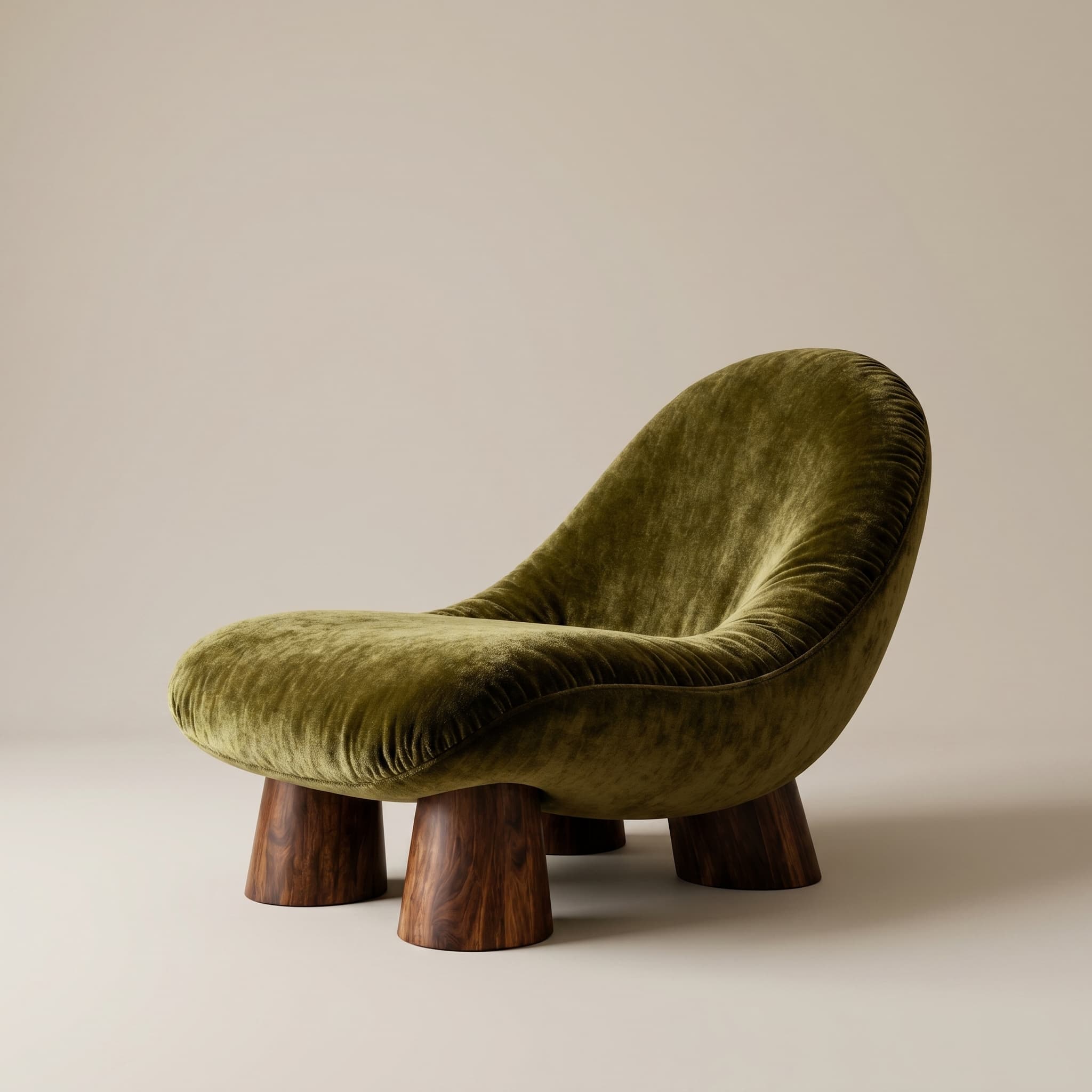
De l’image au clip en une étape
Partez d’une image déjà générée et produisez un court parcours animé sans rien reconstruire en 3D.
Sortie prête à présenter
Utilisez le clip dans un pitch, une page d’annonce ou un reel: des formats qui captent plus qu’un panneau statique.
Sans chaîne d’animation
Évitez rigs de caméra et keyframes. Décrivez le mouvement et laissez le moteur animer.
Questions fréquentes
- Faut-il savoir monter de la vidéo ?
- Non. Le Mode Motion anime automatiquement une image existante; vous décrivez le mouvement, pas les keyframes.
- Quelle durée ont les clips ?
- Des clips courts adaptés aux decks, annonces et réseaux. La durée dépend de l’allocation vidéo de votre plan.
- Puis-je utiliser les clips commercialement ?
- Les plans payants incluent un usage commercial pour présentations et marketing. Vérifiez les limites de votre palier.
Découvrir aussi
Testez mode motion sur votre prochain projet
30 crédits d’essai, sans carte bancaire. Testez les rendus Full HD, la 4K et les animations.